
Appearance
Data Tables
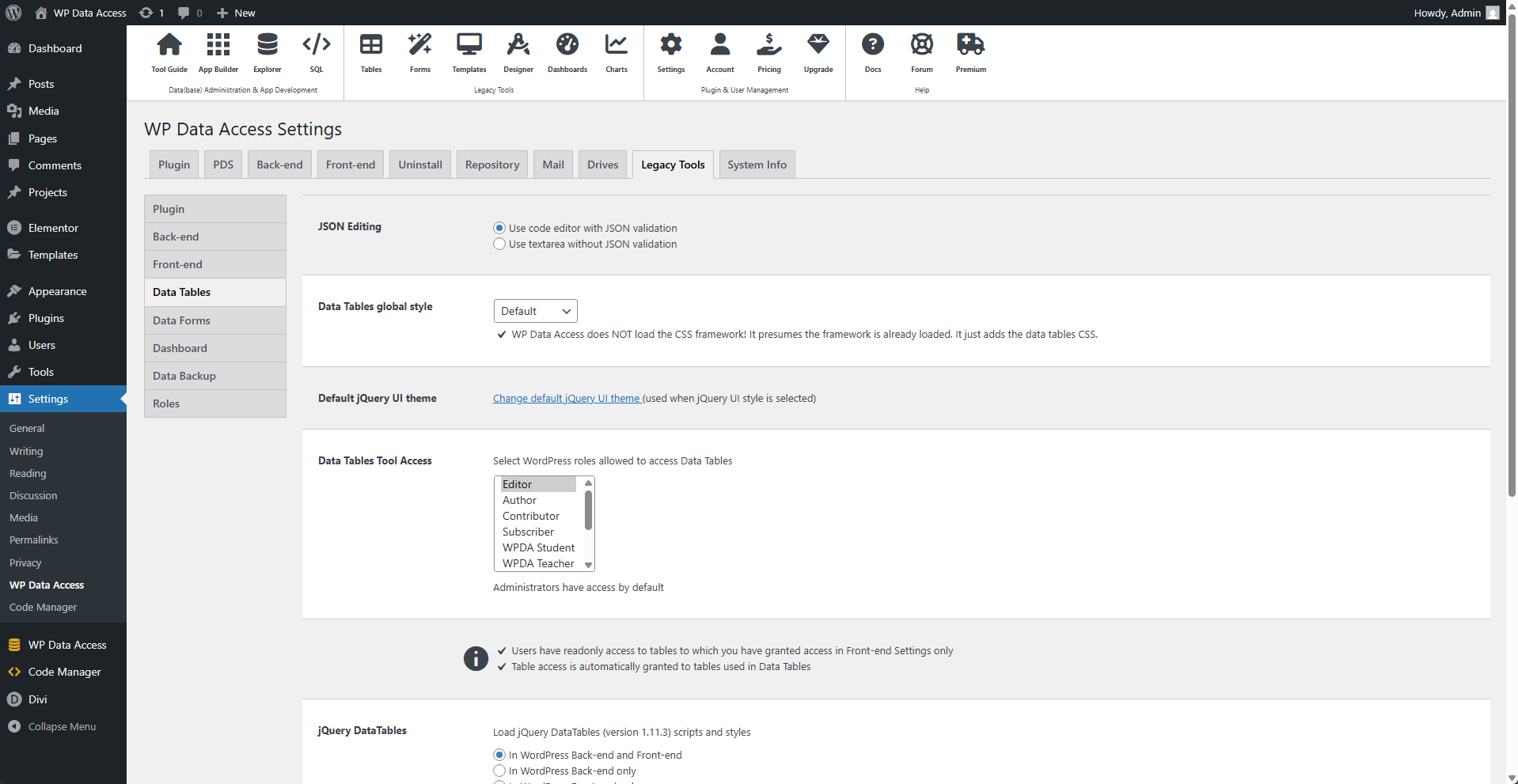
⚙️ JSON Editing
The advanced table options must contain valid JSON. To help you write valid JSON, a JSON editor is displayed by default. If you prefer to use a standard HTML textarea, you can disable the JSON editor. This does not change the initial requirement; even when the JSON editor is turned off, the value in the column must be valid JSON.
⚙️ Data Table Global Style
This applies the selected framework to your data tables.
📌 WP Data Access does NOT load the CSS framework. It presumes the framework is already loaded and only adds the Data Tables CSS classes.
⚙️ Default jQuery UI Theme
⚙️ Data Tables Tool Access
Administrators have access to the Data Tables by default. Select additional WordPress roles to grant them access.
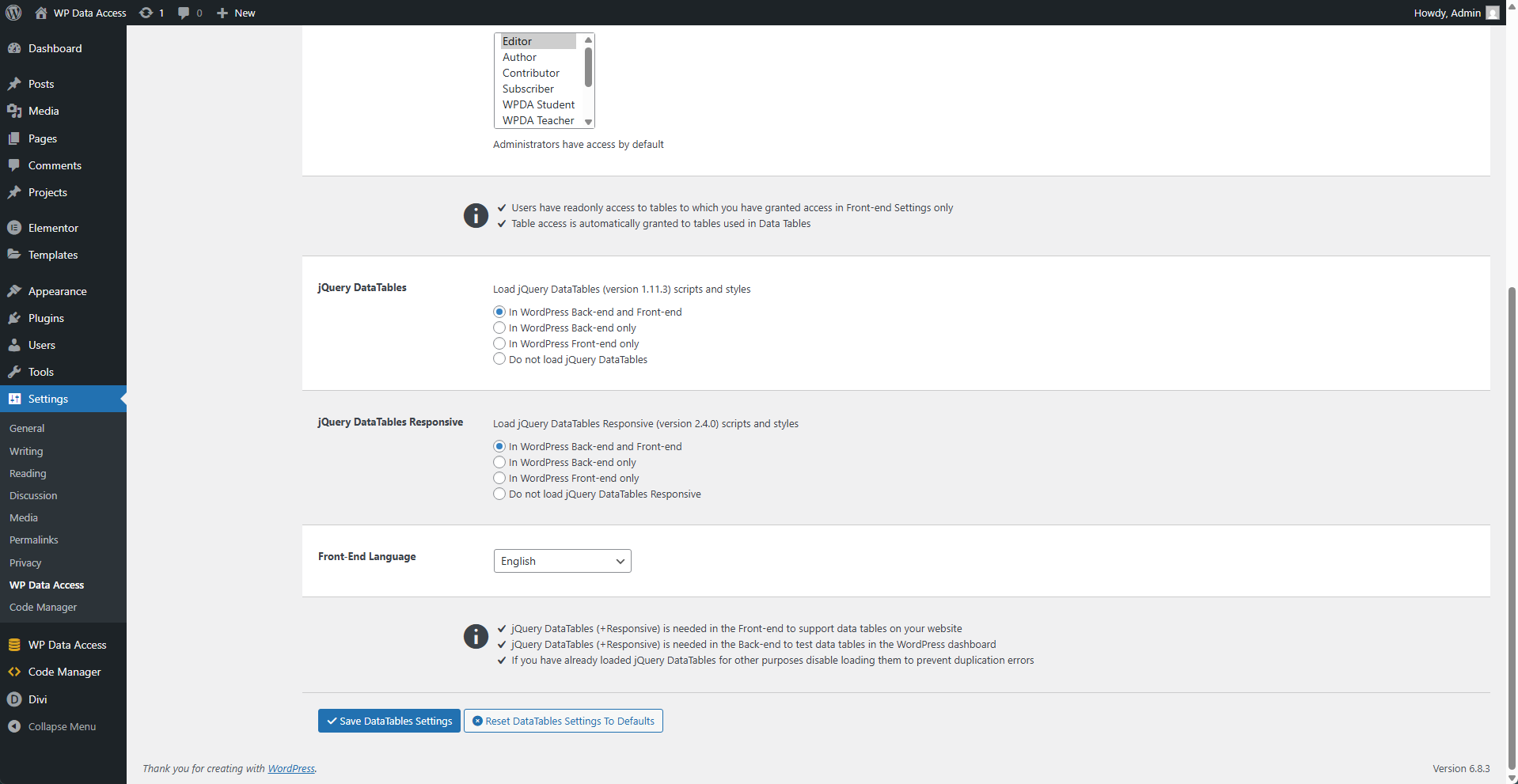
⚙️ jQuery DataTables
This defines how jQuery DataTables scripts and styles are loaded.
⚙️ jQuery DataTables Responsive
This defines how jQuery DataTables Responsive add-on scripts and styles are loaded.
⚙️ Front-End Language
Select the language for Data Tables on the front end.